
The Ready Report · DAILY INSTALL

OCTOBER 23, 2026 · ILLUSTRATIVE EDITORIAL COLLAGE
The next turn is close. Your phone is still trying to load the map.
Save a small area now. Then find out whether it opens without a signal—while the car is parked.
SPONSORED · VenoPlus 8

Why does this heart-support story start with a beet?
You read the labels and try to make good choices for your heart.
Now look at the beet-based blend with an unexpected ingredient story. What did the maker put beside the beet—and why?
Today’s Install: The Offline-Map Try
Time: 15 minutes. Cost: Use what you have. Keep: One dated check, photo or household note.
One familiar route area opens without a data connection, and its coverage and update date are recorded.
For your binder: Print this issue or keep the dated note with your household plans.
Action Brief
Read the signal: Fall visits and the coming holiday trips are a good reason to check the route before leaving. A phone can have battery power and still lack the connection needed to fetch a map.
See the pattern: A backup is more useful after you have tried the exact job it must do.
Make the move: One familiar route area opens without a data connection, and its coverage and update date are recorded.
The Current Signal
Fall visits and the coming holiday trips are a good reason to check the route before leaving. A phone can have battery power and still lack the connection needed to fetch a map.
Google Maps lets you download supported areas for offline use. The download has to finish first. Offline driving guidance has limits: it will not provide live traffic or current road closures. Today's task is a small backup, not a reason to ignore road warnings.
The golden nugget: A backup is more useful after you have tried the exact job it must do.
QUICK SPONSOR · 4Patriots
The outlet is dead. Your phone is next.
The power quits, but the calls, updates and small essentials do not stop. A charged portable power station gives compatible devices another place to plug in—without a fuel-burning engine. Which setup fits the things you need first?
Blue Ridge, 1935: The Road Needed a Readable Route

Illustrated historical reconstruction; not an archival photograph.
Construction of the Blue Ridge Parkway began in 1935. The route was designed to connect national parks while also becoming a destination in its own right.
The work required more than drawing a line through the mountains. Engineers and landscape architects had to fit a road into slopes, farms, streams and settled places.
National Park Service records describe detailed land-use maps made during construction. They included road alignment, structures, plantings, trails and nearby land ownership. A line became more useful when it carried information about what surrounded it.
Imagine a planner at a table with a long sheet of paper. A bend that looks small on the page may involve a stream crossing or a steep slope on the ground. That view is illustrative, not a record of one particular meeting.
The parkway took decades to complete. Work paused during World War II, and the final sections were finished in 1987. A route that looks continuous today was the result of many separate decisions and stages.
The surviving maps remain useful because they record more than an attractive idea. They show what was placed where. That is a different job from simply knowing the road's name.
Today's phone map compresses much of that information into a screen. It can feel as though the route is always present, even when the device is actually waiting to retrieve it.
The household lesson is not to use an old parkway plan for a modern trip. It is to check what information is truly available before depending on it.
Choose a small area around a familiar drive. Save it, open it and test it while stationary. Knowing that the map is there is a better starting point than hoping a loading symbol will disappear at the next junction.
The Inka Road: A Route Was More Than a Line

Illustrated reconstruction; not an archaeological photograph.
The Inka road system crossed landscapes that could not be treated as one kind of ground. Stone steps, paths, bridges and way stations helped connect different regions.
The Smithsonian's Great Inka Road materials show the network as an organized system. A road needed maintenance and people who knew how to use its parts.
Picture travelers approaching a change in terrain. A path that works on a broad slope does not automatically solve the next river crossing. The route needs another kind of structure. This is an illustrative reconstruction.
The Inka used stone where it suited the work and fiber bridges where a span was needed. Communities provided labor and knowledge that kept routes in use. The network was a human system as much as a line on the land.
It also served an empire, with unequal power and organized obligations. We should not turn it into a simple story of effortless travel or equal access for everyone.
The useful point is that each part of the journey had to work. A good start did not remove the need for a usable next section.
An offline map has a much smaller version of that boundary. Downloading the area around home does not mean the distant destination is included. A saved picture of one junction is not a full route.
Today, check the edges of what you saved. Does the area include the drive and the destination you mean to use? Can you read it without the phone asking for more data?
That will not make every road open or every route safe. It will tell you what your backup actually contains. A known limit is something you can plan around before the trip begins.
The Pattern to Notice
Across BOTH examples, the pattern is this: a backup is more useful after you have tried the exact job it must do.
The Household Lesson
Do every step while parked or at home. Reconnect afterward. Follow current road closures, weather guidance and official evacuation routes over any old saved map.
Downloads can expire or need updates. Google offline maps mainly support driving; walking, cycling and transit features differ. Keep essential road names or a paper route note as another simple backup.
Your Household Install

Illustrative household example. Use the steps below for your own setup.
Choose a familiar drive. Use an area that includes home, the destination and the roads between them. Do not put your private address in a newsletter reply.
Finish the download. In Google Maps, open your profile, Offline maps, then Select your own map. Choose the area and download on Wi-Fi. Availability varies by place.
Try it without data. While stationary, briefly switch off Wi-Fi and mobile data. Open the saved area and check that the roads and intended destination are present.
Restore and record. Turn connections back on. Note the saved area and update date, and check live conditions before travel.
Measurable win: One familiar route area opens without a data connection, and its coverage and update date are recorded.
Status Check
□ The download finished before the test.
□ The saved area includes my intended drive.
□ It opens without data, and my connections are restored.
Tool That Fits Today’s Pattern
Your keep-it card: Saved area ___ / Route included ___ / Offline trial result ___ / Update date ___
The Takeaway
A backup is more useful after you have tried the exact job it must do.
Stay steady,
Jordan Davies
One useful step. A more capable home.
P.S. Where do you usually lose phone service: near home or on a regular trip? Hit reply with the general area. Forward this to your usual travel partner.
P.P.S. Two useful next reads from the Household Resilience Network:
SPONSORED · 4 FOOT FARM BLUEPRINT
What could you pick instead of making another store run?
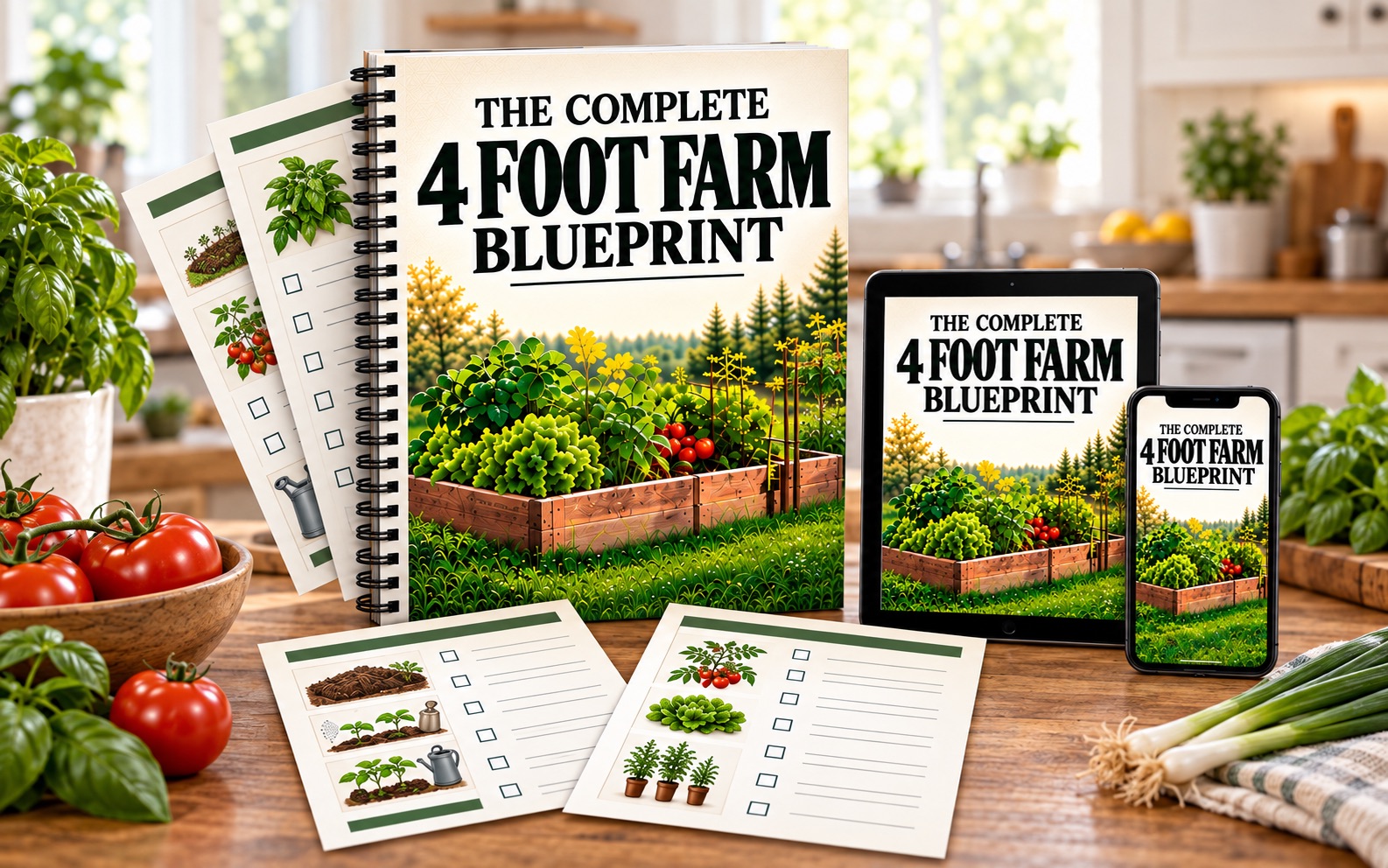
The same lettuce. The same herbs. Another trip to buy them again. What if a small spot at home supplied some of those repeat buys?
The COMPLETE Blueprint from our friends at 4 Foot Farm shows the steps in pictures. Start with one food you already eat, using a container, patio or indoor setup with a simple grow light.
See the first setup—and how to keep more fresh food coming without taking on a whole yard.
Sources reviewed for this issue: Google Maps Help, Download areas and navigate offline; NPS, Parkway Land Use Maps and Blue Ridge Parkway history; Smithsonian NMAI, The Great Inka Road. Seasonal travel-preparation edition, October 23, 2026. Historical scenes are illustrated reconstructions.